A film of the real thing
1280×720, H.264, cut from a recording of your product being used — not a simulated interface, and not stock footage.
Open source launch studio
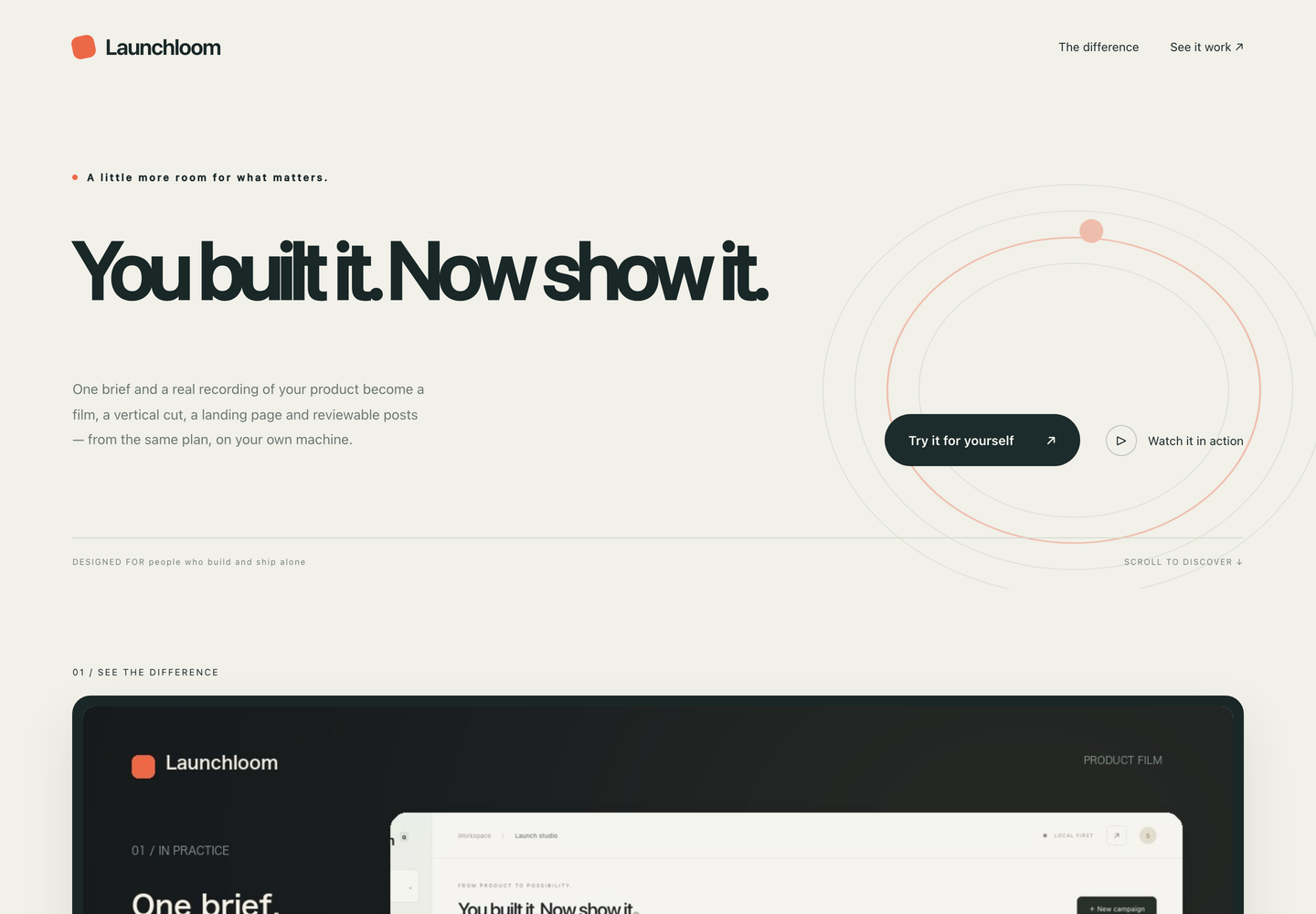
One brief and one real recording of your product become a film, a vertical cut, a landing page and reviewable social posts — from the same plan, on your own machine.
Apache-2.0 · Python 3.11+ · no account, no API key, nothing leaves your machine
This film was made by Launchloom, from a screen recording of Launchloom. Same pipeline you get when you clone it.
One brief in
Not a mockup of a launch — real MP4s, real HTML, real drafts, with a manifest of SHA-256 hashes for every file.
1280×720, H.264, cut from a recording of your product being used — not a simulated interface, and not stock footage.
720×1280 laid out on its own, keeping the interface legible instead of centre-cropping the wide film and hoping.
Self-contained HTML, CSS and JS with the film embedded. No CDN, no build step, no framework. Deploy it anywhere.
Per-channel copy with UTM links and length checks for X, LinkedIn, Threads, Bluesky, YouTube, Instagram and TikTok.
SRT of the on-screen headings — your words, not a transcription — plus stills for both aspect ratios.
One ZIP with everything, a manifest recording where each asset came from, and private evidence notes deliberately left out.
Dogfood
We recorded the studio doing a full run, imported that recording back into Launchloom, and let it cut its own launch film. Making it found two real bugs — which is the point of using your own tool.
Japanese lines were breaking before 、 and 。 Every film
rendered in Japanese looked like the tool did not know the language it was
writing in. Line breaking now applies kinsoku shori, and keeps Latin words
whole instead of splitting MP4 into MP and 4.
The vertical cut destroyed the interface. A 16:10 desktop recording forced into a near-square box lost the product it was supposed to prove. The vertical frame now keeps the recording's own proportions and runs nearly full width.
Headline, proof frame and caption are placed independently for 9:16. Both are rendered from the same storyboard in the same pass, so they always say the same thing.
Before anything renders
The build stops after capture. Nothing has been encoded, and no AI provider has been contacted. You see a frame of what was actually recorded and every line of copy, and you edit it before approving.
A scene's role and the approved feature it points at are structural and
cannot move, so rewording can never attach new copy to a different claim.
Changed lines are recorded as operator-edited.
A finished campaign re-renders from the material it already has. Change a CTA and get a new cut in about fifteen seconds — no re-recording, and no second charge from any provider.
The honest part
Most launch tools are happy to make something that looks impressive. This one is built to stop short of claiming things nobody checked.
Every claim comes from your brief, each with an evidence note you wrote. Generated video is only ever a labelled conceptual opening — never proof that a feature exists.
Live publishing is off by default. Releasing a campaign is a separate decision from finishing it, and every post needs its own approval bound to the exact copy, media hash, account and schedule.
It reads the real state back from Postiz. If a send times out it says so, never retries blindly, and shows you what actually exists so you can decide — because a timeout is not evidence either way.
No mass replies, no DMs, no bought reactions, no account farms. Not implemented, not planned, and pull requests adding them will be declined.
Unavailable metrics stay unavailable. Event counts are not people, and the tool says when there is not enough data to conclude anything.
Three minutes
No account, no API key, no signup. The sample drives a small task app bundled in the repository, records it, and hands you the whole kit.
Needs Python 3.11+, FFmpeg and Chromium. macOS and Docker are verified end to end; the verification record says exactly what was run and what was not.
git clone https://github.com/FORIFOR/Launchloom.git
cd Launchloom
python3 -m venv .venv && source .venv/bin/activate
python -m pip install -e .
python -m playwright install chromium
# checks FFmpeg, the browser, and your fonts
python -m launchloom doctor
python -m launchloom serve