Coordinator
Plans the work
Turns your request into deliverables and finish conditions, and asks only the teammates it needs.
For people who will not ship an AI result they cannot verify. It runs on your computer and hands you the files plus the record of which version was checked, and how.
Open source · MITRuns on your computerNever sends anything out on its own
The app
Ask once, then stay on one page. The team and the results sit side by side.
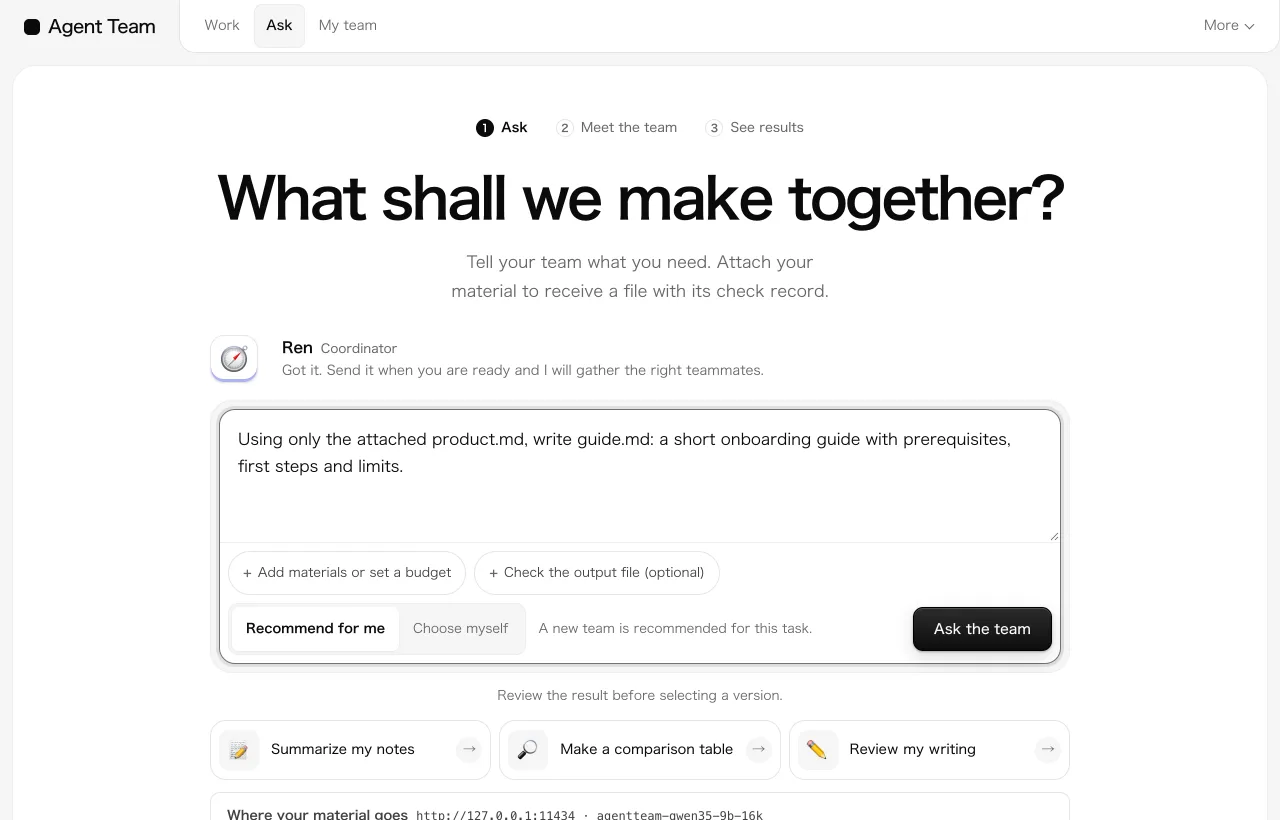
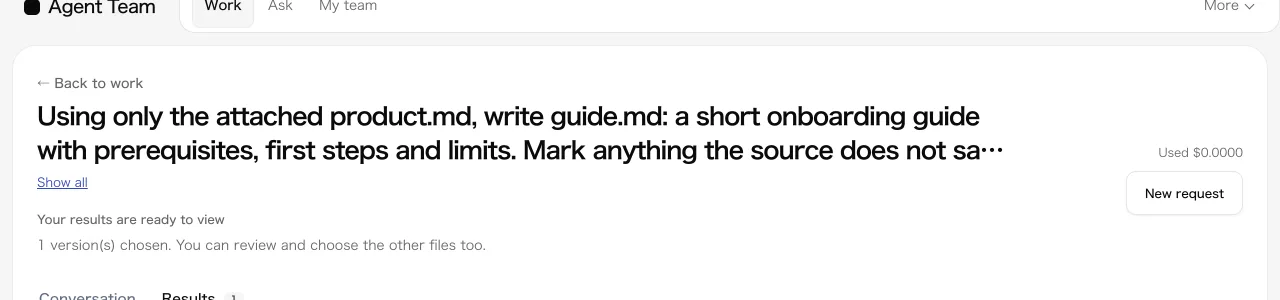
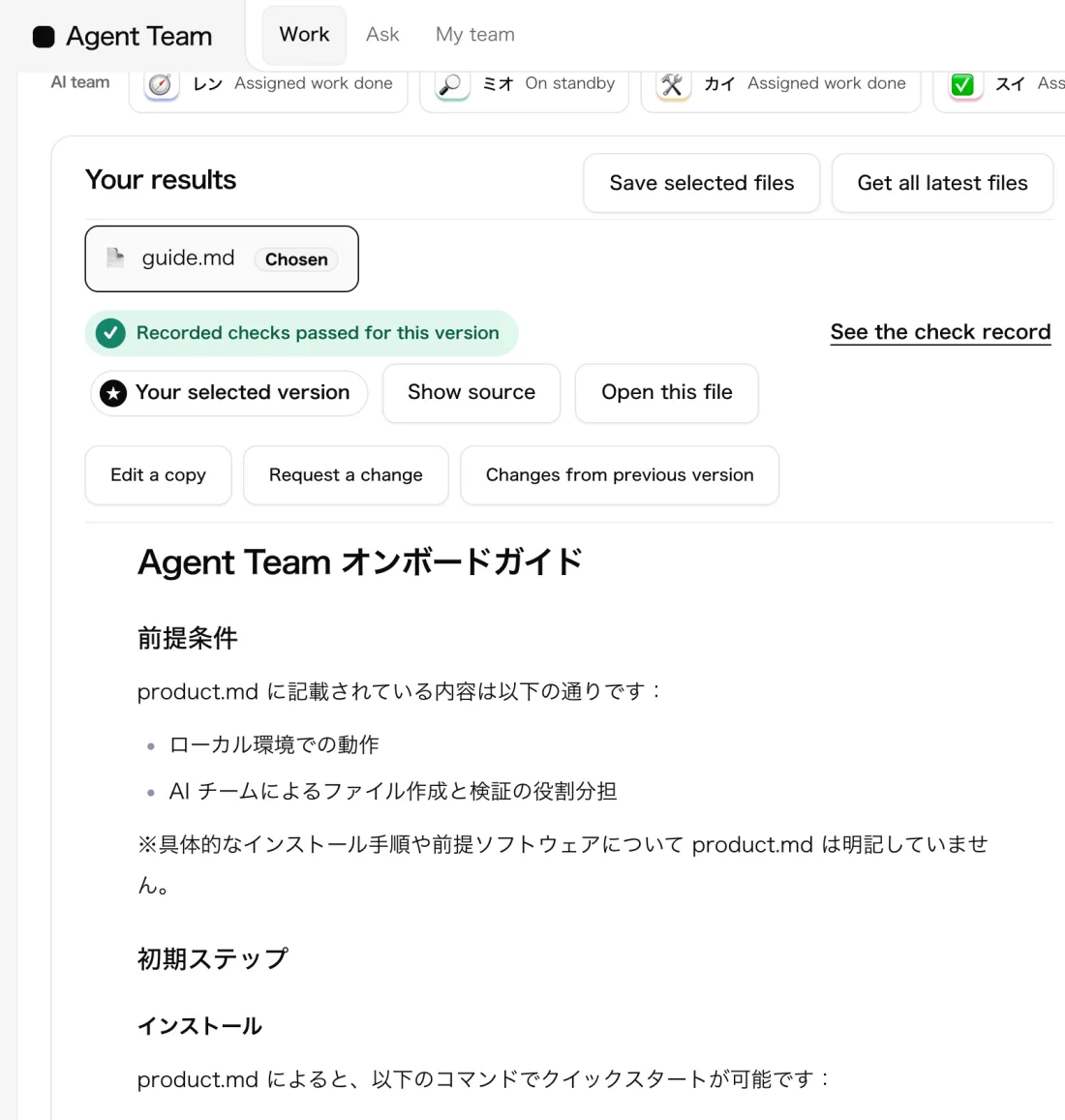
These are real screens of the app. Steps 2 and 3 show a run recorded on 14 September 2026 with a local model (Qwen 3.5 9B).
The team
Whoever wrote it is the last to notice its mistakes. So making and checking are separate jobs.
Turns your request into deliverables and finish conditions, and asks only the teammates it needs.
Reads your files and public pages, and writes notes with sources.
Code, documents, tables. When a finding comes back, it fixes that version and publishes again.
Checks each finish condition. Whatever could not be checked stays marked unverified.
What you get
What stays with you is a file you can use.
Code, Markdown, CSV, HTML. Download them together as a ZIP.
Compare the first draft with the fix, and choose the version you will use.
Send a new direction from the chat while the work is under way.
Who made what, what was checked, what is still unverified. A record you can follow later.
A real record
From the run of 13 September 2026: findings the reviewer raised on a memo comparing three public pages.
Result partial (not complete)Events 171Model calls 91Cost $6.07 at list priceTime 23m 51s
The final review stopped at the budget limit, so this run stays "partial". Matching quotes against the original pages is recorded as "unverified", because the review environment could not fetch them. Open the full record
Honest numbers
The same small local model, as a team and alone (18 September 2026, 10 tasks, one run each).
Across the 10 tasks the team took 164 minutes. One AI took 37.
All five coding tasks were correct. One AI missed two.
With a small model, all five were graded wrong: timeouts, and checks that missed gaps.
A small test. The differences may be chance, and this is not a general claim of better quality. Conditions and full results
Your data
No sign-up. No cloud account.
Under the hood
For developers: what actually happens during a run.
Every message, tool call, check and review is an event in SQLite. The chat, timeline and report are views of that log.
A check or review applies to one revision's SHA-256. A new revision starts out unchecked.
Budget reservation, tool and write scopes, approvals and the run's time limit are enforced by the runtime.
Docker with no network, or the macOS seatbelt. With neither, commands are refused rather than run unsandboxed.
Claude Code (no API key), the Anthropic API, OpenAI-compatible APIs or Ollama. A real probe call confirms the connection first.
A REST and SSE API. Export any run as JSONL, or as a ZIP with a SHA-256 manifest.
Get started
No Python setup. If you have uv, it just starts.
uvx --from "git+https://github.com/FORIFOR/Multibot#subdirectory=backend" agentteam quickstartWhat you need macOS, Linux or Windows, and uv. If you do not have uv: curl -LsSf https://astral.sh/uv/install.sh | sh (Windows: official steps). No Python setup.
The app is free. If you connect a cloud model, that provider bills you for usage.
Claude Codeno key neededOpenAI-compatible APIsOllamalocal
It is not one AI answering once. Making and checking are separate jobs. You receive files, not a reply, along with a record of what was checked and what is still unverified.
No. The reviewer can miss things. That is why partial and unverified results are shown as they are, and why we publish the runs that went badly. Check important work yourself.
The app is free and open source (MIT). A cloud model bills you for usage. You can set a budget limit per request, and work stops when it is reached.
The work record and files stay on your computer. With a local model your input never leaves. Only if you choose a cloud model does your input go to that provider.
Work that tests or conditions can check: small tools, data conversion, documents with a fixed format. Research with a small local model is not yet reliable.
Using it at work
We narrow it to one task and its pass conditions, and check together. Paid pilots on customer data, production SLAs, SSO and organisation isolation are not offered as available.